
Infostealers: The Quiet Engines Behind Major Breaches
Infostealer malware quietly steals your saved passwords and session data, driving many cyber breaches. Discover how these “credential grabbers” work and how to protect yourself and your organization

Cybersecurity headlines often focus on dramatic ransomware or zero-day attacks. Yet the real workhorse behind many breaches is far quieter: infostealer malware. These stealthy programs slip into our systems often by a phishing email or a fake software download and exfiltrate everything from saved passwords to browser cookies and crypto wallets. In fact, one analysis found that 61% of data breaches in 2023 involved infostealer malware. At the same time, security teams report that stolen credentials are now a top attack vector. In this article, you’ll learn what infostealers are, how they work step by step, and why they pose such a big risk today. We’ll also cover real-world examples, common misconceptions, and practical defenses to keep you safe.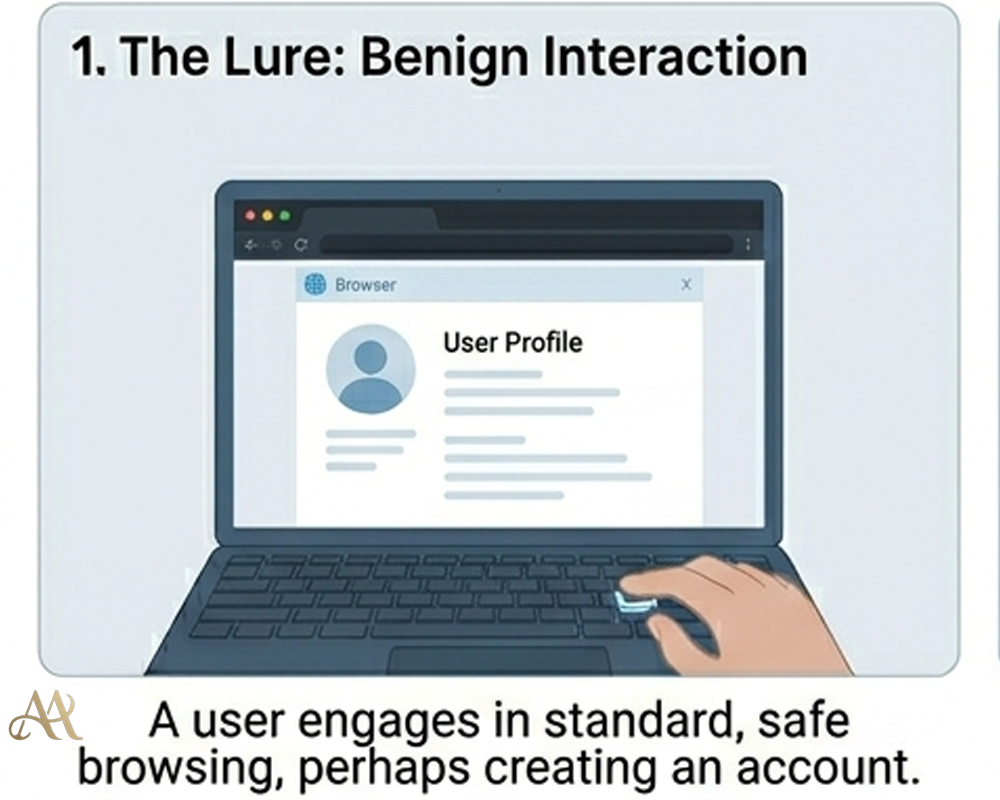
What Infostealers Are
An infostealer is a type of malware specifically designed to steal information from an infected device. Unlike ransomware (which locks files for ransom) or botnets (which launch attacks), an infostealer quietly scrapes data. As the Australian Cyber Security Centre explains, info-stealers collect data like usernames, passwords, credit card details, cryptocurrency wallets, and even browser data (cookies, autofill, history) from the victim’s device.
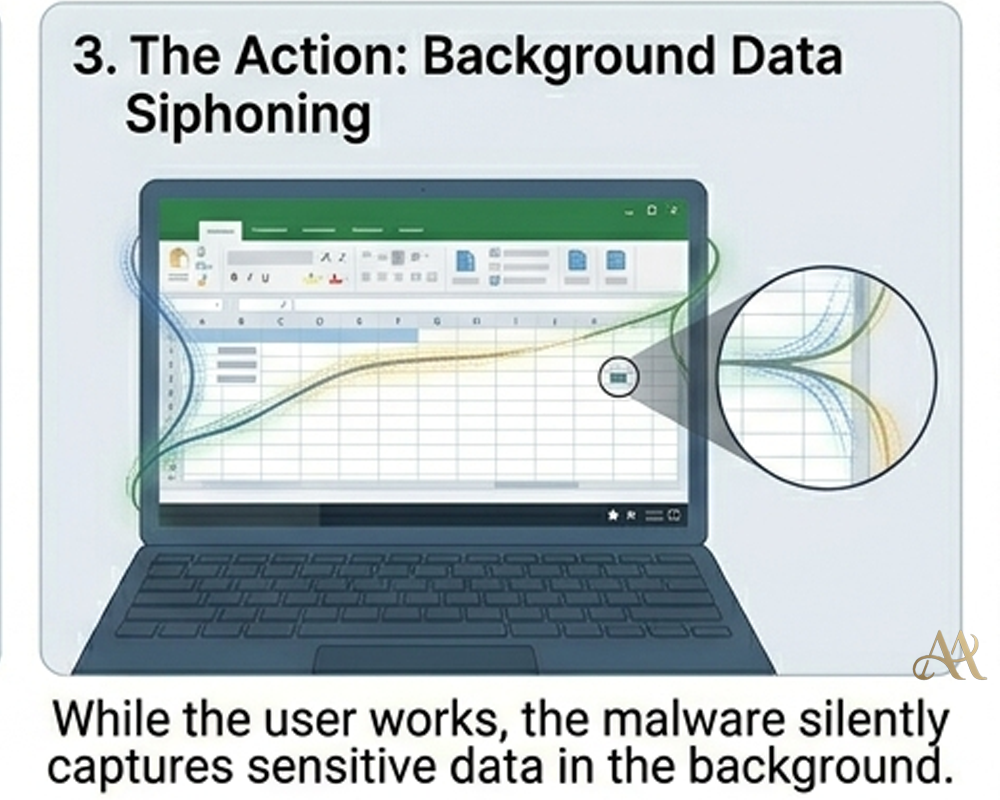
For example, the RedLine stealer, a common infostealer is capable of grabbing saved login credentials, browser cookies, credit card numbers, and crypto-wallet files from an infected PC. In short, if your browser has remembered a password or you kept a key file, an infostealer can find and steal it. Once harvested, this “loot” is sent to the attacker’s server (usually via a command-and-control channel) and then either used directly or sold on underground markets.
How It Works
Infostealer attacks follow a straightforward, human-centered flow. First, the victim is tricked into installing or running something malicious. This could be a phishing email with an attachment, a malicious ad on a web page, or a fake download from a search result. For instance, researchers documented an attack where users searching for a PDF converter were led to a fake site serving “pdfconvertercompare[.]com” that installed the RedLine infostealer
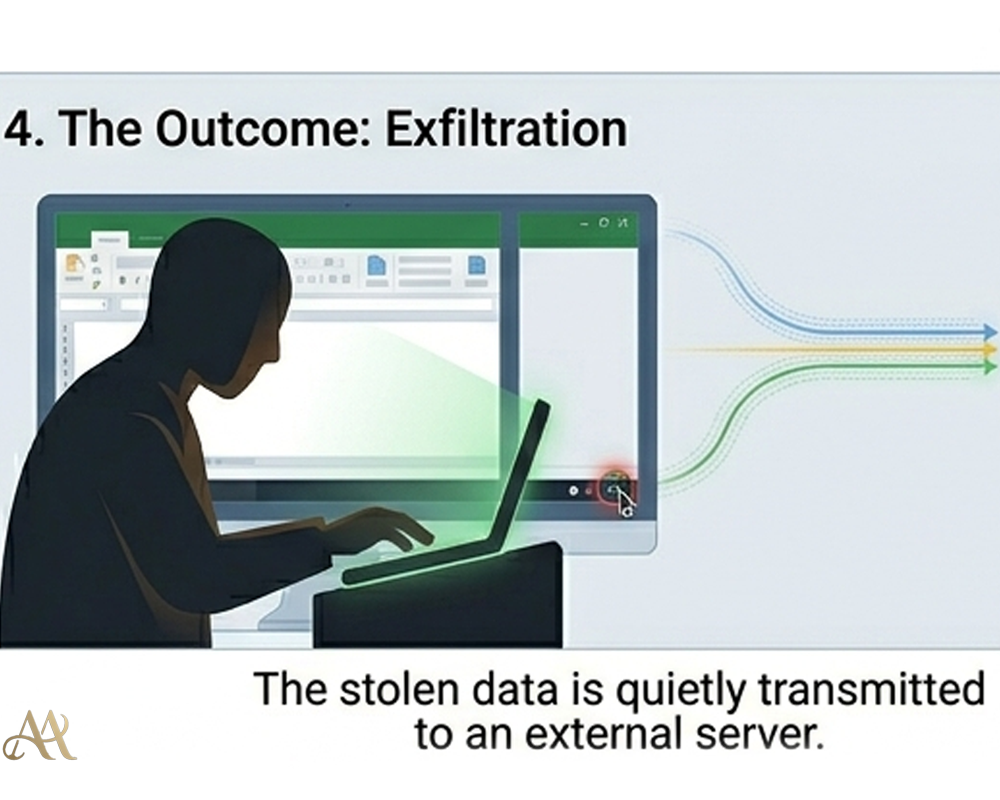
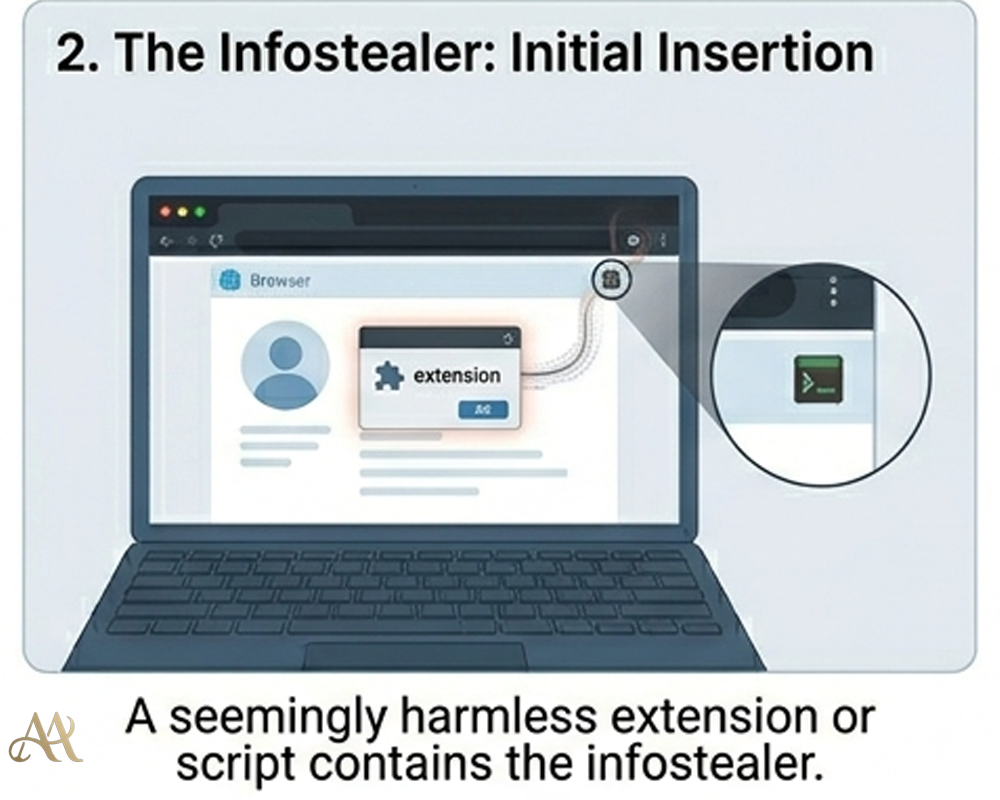
Once installed, the malware immediately harvests data. It scans browsers’ password vaults, reads cookies and session tokens, collects saved Wi-Fi passwords, and even looks in crypto wallet files. After gathering this “log” of data, the infostealer encrypts it and sends it off to the attacker’s server, often using innocuous channels like Telegram or Discord to blend in.
 With the credentials in hand, attackers proceed to account takeover. They might import a stolen browser cookie into an “anti-detect” browser to hijack a session without a password. This means they can log in as the user and bypass multi-factor authentication (MFA) entirely. In MITRE ATT&CK terms, this chain includes Phishing (T1566) or Drive-by Compromise (T1189) for initial access, followed by Credentials Access tactics (capturing passwords and tokens), and then using Valid Accounts (T1078) to move around systems. The stolen data can also feed into credential stuffing and brute-force attacks, enabling broader compromise across services.
Real-World Impact
The quiet nature of infostealers makes their impact easy to miss.
- Individuals. Everyday users can suddenly find email, social media, or even banking accounts accessed by criminals. A stolen cookie or password can let an attacker reset accounts or withdraw funds before the victim even notices. Identity theft and fraud risk surge when credit card numbers and personal info are stolen en masse. For example, infostealers were implicated in massive leaks of credentials: one report showed 1.38 billion passwords circulating in 2023, largely from malware grabs
. - Businesses. Employees’ PCs are a gateway. If a staff member’s personal device is infected, an attacker might steal corporate email or VPN logins, then log in as that user to penetrate the network. According to the Australian Cyber agency, stolen user credentials from infostealers “may be used to access corporate networks or enterprise systems often delaying detection by system owners”. In fact, stolen credentials are already the top cause of breaches involved in 44.7% of incidents according to Verizon’s DBIR. Infostealers feed that trend by quietly collecting logins that attackers reuse.
- Infrastructure. Widespread credential theft fuels large-scale attacks. Initial Access Brokers (IABs) will buy stolen corporate credentials from infostealers and sell guaranteed network access to ransomware gangs. The underground economy is booming: stealer logs (often hundreds of stolen accounts and cookies) can sell for around $10 each. If even one of those accounts has VPN or cloud-admin access, it can seed a major breach.
Overall, infostealers “present a growing threat” as threat actors specialize in this model. They operate silently behind the scenes, making breaches look like “innocent” credential use instead of a direct break-in.
Common Mistakes or Misconceptions
A few misunderstandings leave people exposed to infostealers:
- “It only happens to big companies.” Not true. Infostealer campaigns are typically broad and opportunistic
. Criminals cast a wide net with phishing or fake downloads, hoping to infect anyone who falls for it. - “I have MFA, so I’m safe.” MFA protects the login step, but infostealers often bypass that by stealing the already-valid session. As SpyCloud notes, attackers can import cookies to “bypass the need for credentials, including multi-factor authentication (MFA)”
. In other words, once a cookie is stolen, MFA is irrelevant. - “I never reuse passwords.” Password hygiene is crucial, but reuse is still rampant. SpyCloud reports a 74% reuse rate for users exposed in multiple breaches. If a user reuses a password across sites, one infostealer infection can lead to account takeovers everywhere that password was used.
- “Antivirus will stop it.” Many infostealers are designed to evade basic AV and run stealthily. Relying on signature-based scans alone is not enough.
Recognizing these misconceptions is step one. Knowing the quiet nature of infostealers can help us avoid being blindsided by them.
 Practical Defensive Measures
Defending against infostealers requires layers:
- Endpoint protection and EDR. Use modern antivirus or endpoint detection (EDR) that can spot stealer behaviors (e.g. mass-file reading of browser data, suspicious C2 traffic). Keep operating systems and browsers fully patched so malware can’t exploit known vulnerabilities.
- Password managers & MFA. Encourage use of password managers instead of browser autofill, so credentials aren’t stored in the browser at all. Enforce unique, strong passwords. Most importantly, use phishing-resistant MFA (like FIDO/U2F keys) rather than SMS or app codes, as those keys can thwart many credential theft tactics
- Network controls. Apply conditional access (block logins from unusual locations or devices) and monitor for abnormal account activity. For organizations, consider blocking or limiting non-business apps (some stealers exfiltrate data via tools like Telegram, Steam, or Discord).
- User training. Educate people about the risk of infostealers. Warn them not to download “cracked” software or click random ads. Teach them that even benign-looking utilities from the web can harbor stealers. The Australian cybersecurity center advises explicitly raising awareness of infostealer delivery methods (phishing, fake sites, malvertising) as a key control.
- Regular credential checks. Use dark-web monitoring or breach databases to catch compromised credentials. Immediately reset passwords for any leaked accounts. Treat a detected infostealer infection as high-risk: assume local credentials and cookies are stolen, and rotate them.
No single control is enough on its own. A combination of technical defenses and informed users is the best strategy to keep these “silent” threats at bay.
Conclusion
Infostealer malware is the quiet engine powering many high-profile breaches today. It quietly harvests the data that organizations rely on for security usernames, passwords, tokens, and more and hands it over to attackers. Far from being a fringe threat, infostealers now drive a majority of credential theft incidents
The takeaway is this: cyber defense must expand beyond fortress walls and credentials alone. We must protect the credentials themselves and the devices that store them with layers of defense. That means minimizing stored passwords, using advanced authentication, and keeping endpoints secure and monitored. With the rise of infostealers, the battle is no longer just about preventing break-ins; it’s about controlling and defending the entire identity lifecycle. Vigilance on those quiet corners of our systems can prevent much bigger disasters.
REFERENCE
Related Stories
Your Phone Number Is a Security Key You Barely Control
May 15, 2026
The Most Dangerous Login May Be the One You Already Approved
May 2, 2026
Comments 0
No comments yet. Be the first to join the discussion.