

Don’t assume your home network is safe. Cybercriminals now use “residential proxies” to route attacks through your devices. Find out how this works and how to stay protected.
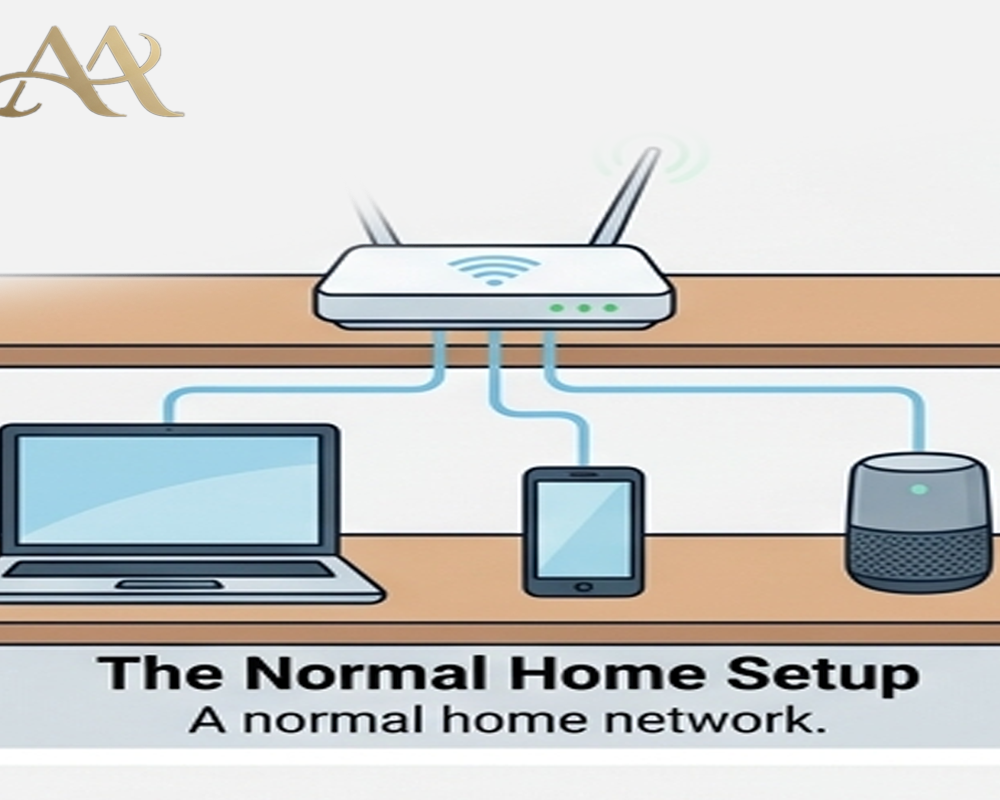
Imagine using your home Wi-Fi or smartphone as usual, unaware that a criminal halfway around the world is bouncing their traffic through your connection. That scenario is suddenly all too real. U.S. law enforcement and security researchers recently warned of sprawling “residential proxy” networks built on compromised consumer devices. In these schemes, apps or malware quietly enlist your router, TV, or phone as an exit node, hiding attackers’ true locaions. This article explains what residential proxy abuse is, how criminals pull it off, and what everyday users and organizations can do to stay safe.
 What It Is
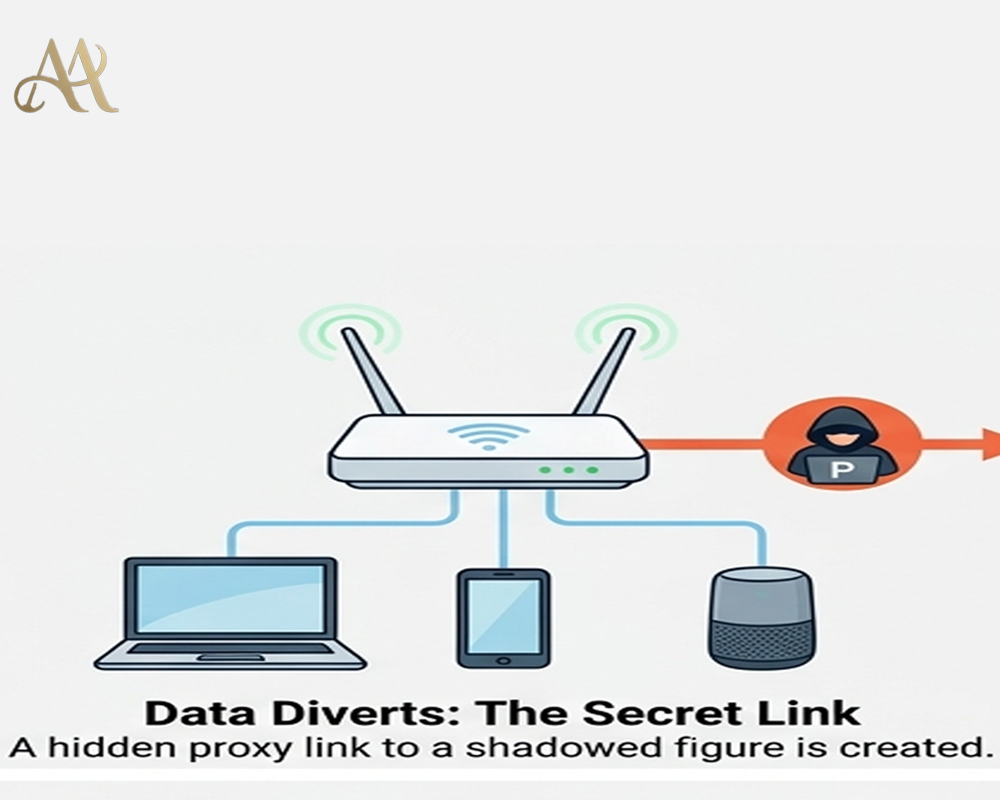
A residential proxy network is essentially a set of ordinary devices (home routers, IoT gadgets, phones, etc.) that forward internet traffic on behalf of others. When an attacker routes traffic through one of these devices, websites see the device’s legitimate IP address instead of the attacker’s. The FBI defines a residential proxy as “an intermediary server” that uses “legitimate IP addresses assigned by an ISP to consumers devices” to mask a criminal’s activity.
How It Works
Criminals gather proxy devices in several ways. The FBI alert lists common methods:
- Malicious SDKs in apps: Developers sometimes integrate third-party software development kits (SDKs) to earn money. Some of these SDKs (like the IPIDEA network) turn devices into proxy nodes. A user downloads a seemingly harmless app, agrees to its terms, and unknowingly activates proxy software running in the background. In effect, the app quietly routes Internet traffic through the user’s device to benefit the proxy service.
- “Free” VPNs with hidden clauses: Some free VPN or “privacy” apps sneak proxy functionality into their terms of service. Users install the VPN expecting protection, but the app’s fine print often “enrolls devices in a proxy network” without clear consent. The FBI notes that most people skip these dense terms, allowing the VPN to slip in proxy code.
- Compromised hardware: Attackers exploit unpatched routers or IoT devices and install malware (like the AVrecon strain) that turns them into proxies. For example, the “SocksEscort” network relied on AVrecon to infect hundreds of thousands of home routers worldwide. Once compromised, a device forwards traffic on demand, all controlled remotely by the criminals.
- Malicious downloads or pop-ups: Free games, “premium” TV/movie content, or pop-up ads can carry proxy-making malware. Someone might download a cracked app or click a sketchy ad and inadvertently install software that enlists the device into a botnet.
- Bandwidth-for-pay schemes: In some cases, users are lured with promises of “earning passive income” by sharing their bandwidth. In reality, these apps pay a tiny amount while the user’s device becomes a proxy node for illicit traffic. Most users don’t realize their bandwidth is being sold to criminals.
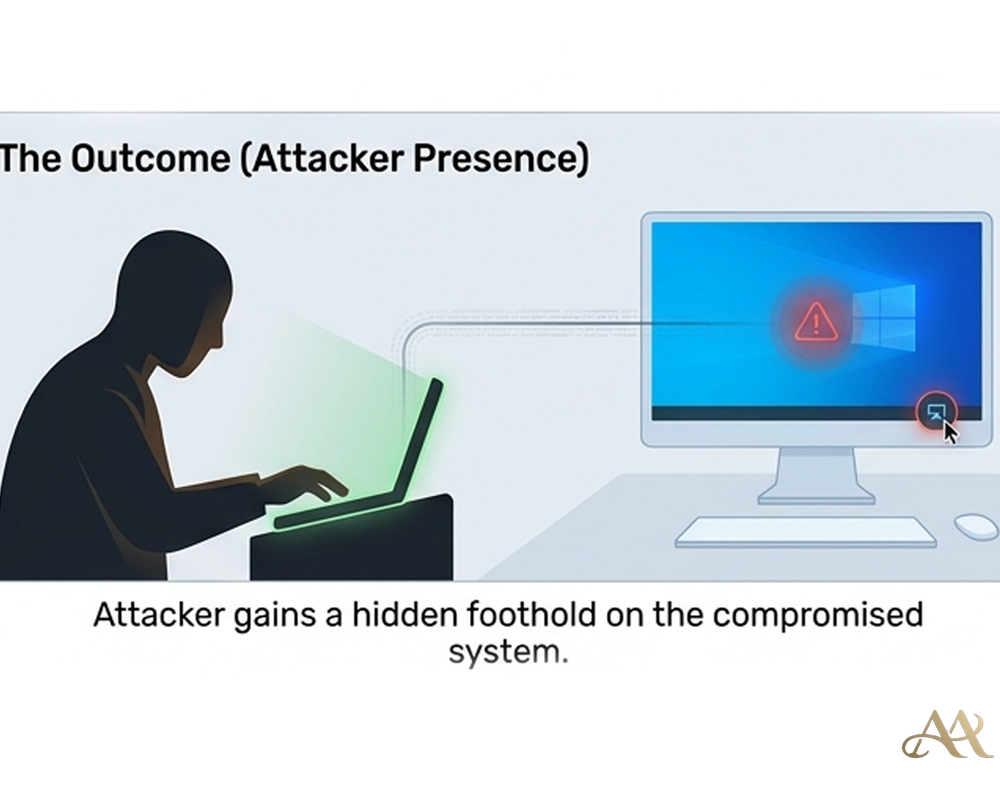
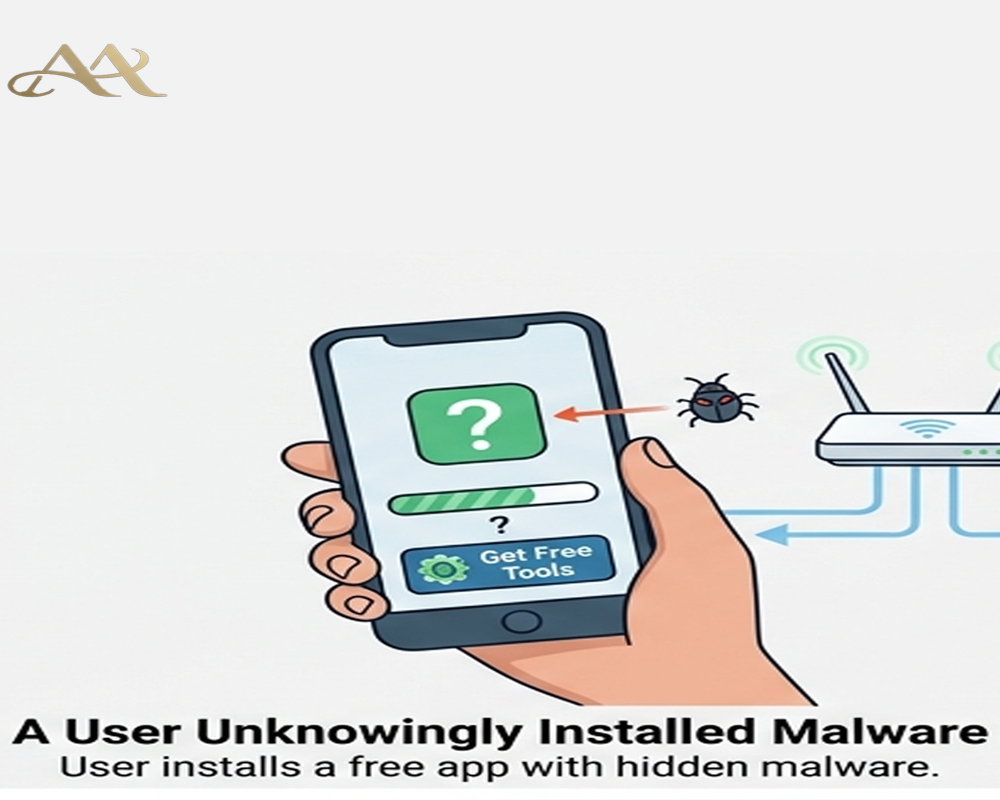 Once in place, these proxies let attackers route their own malicious traffic or access services as if they were the proxy device. This is essentially the MITRE ATT&CK technique T1090 (Proxy): the attacker “chains together multiple proxies to further disguise the source of malicious traffic,” making detection very difficult. For example, a fraudster might buy access to a residential IP in a specific city and use it to log into a victim’s bank, bypassing geo-based security checks. In one large case, the SocksEscort service offered access to 369,000 different IPs and listed about 8,000 infected routers for sale (2,500 in the U.S.). Customers of that service could direct their traffic through any of those endpoints, hiding attacks behind innocent networks.
Real-World Impact
- Individuals: Your home network could be unwittingly implicated in cybercrimes. If hackers route phishing attacks or fraud through your IP, websites may see malicious activity coming from you. You might notice nothing until perhaps your IP is blacklisted, or worse, law enforcement contacts you about suspicious traffic. For example, IRS and DOJ reports describe victims of credit-card fraud and cryptocurrency theft tied to SocksEscort proxies. Even if you’re innocent, dealing with an investigation or a blocked internet connection is a major headache.
- Businesses: Infected devices in a workplace can expose sensitive networks. A recent analysis noted that a proxy on a corporate network “suddenly creates a route into that network that shouldn't be there,” potentially enabling scanning and lateral movement. If an employee’s laptop or smart device is acting as a proxy node, attackers could piggyback into internal systems. Additionally, proxies allow attackers to bypass geo-restrictions, spread malware or phishing from trusted IPs, and perform credential stuffing at scale. Companies might see unexplained account access or data leaks stemming from proxies on their network.
- Systems and Infrastructure: On a large scale, residential proxies empower major cybercrime. Operators of these networks sell or rent huge pools of IPs (millions worldwide) that criminals use for fraud, spam, ransomware distribution, and more. Defenders struggle because the traffic comes from legitimate ISPs, not obvious botnets. For example, with SocksEscort proxies, attackers hid behind routers in many countries to defraud Americans of millions in bank and insurance fraud
Common Mistakes or Misconceptions
- “Nothing to worry about, I just use legit apps.” Many people assume that if they download from the official app store or a familiar site, they’re safe. But as the FBI warns, even legitimate apps can hide proxy SDKs deep in their code or end-user license agreements. Users often skip the fine print and don’t realize they’ve authorized proxy routing.
- “My firewall or antivirus will catch everything.” Traditional security tools focus on malware and external attacks, not the hidden routing of outbound traffic. A proxy app might not trigger antivirus if it isn’t overtly malicious. And even firewalls often allow HTTPS through, which these proxies use to mask traffic.
- “This isn’t as bad as ransomware, so I can ignore it.” Proxy abuse doesn’t announce itself like ransomware, but it can be equally damaging. It quietly fuels fraud, data theft, and network intrusions. In fact, proxies often enable the very ransomware attacks by obfuscating their command-and-control channels. Dismissing it as low risk ignores how foundational it is to many cybercrimes.
- “Only old routers get infected.” Many home and small-business routers have known vulnerabilities and may never receive updates. Even “new” devices can be malicious out of the box. For instance, security researchers have noted malware pre-installed on some IoT devices that survives factory resets. The misconception is thinking “my gear is too new or simple to be compromised.” In reality, any internet-connected device is a potential proxy node if not secured properly.
 Practical Defensive Measures
To avoid unwittingly joining a proxy network, follow proven defenses:
- Vet your apps and devices: Only install software from trusted publishers. Avoid free VPNs or streaming apps that promise too much. The FBI specifically advises using official app stores and being skeptical of “free” offers. Before installing, glance at reviews and do a quick web search for the app’s name plus “proxy” or “malware.”
- Keep everything updated: Regularly install firmware updates on routers, IoT gadgets, and computers. Many proxy campaigns exploit old vulnerabilities on network devices. If your router can’t be updated or is several years old, consider replacing it.
- Segment and monitor your network: Use network segmentation to isolate IoT devices from sensitive systems. Enable your router’s firewall and review its logs for unusual outbound connections. Tools like EDR or DNS monitoring can flag when a device suddenly communicates with known proxy domains. The FBI even recommends blocking IP ranges tied to residential proxy services.
- Use security software: On PCs and phones, maintain reputable antivirus/antimalware. Some security suites include network monitors that detect proxy-like behavior. On Android, keep Google Play Protect enabled, it automatically flags and removes known proxy-SDK apps like IPIDEA.
- Educate and audit: Stay aware of this threat. Teach family or employees that “free” content can be a trap. Periodically check all devices (including smart TVs, cameras, and game consoles) for unfamiliar software. If one device is suspected of compromise, isolate it: you may need to factory-reset it or even reinstall its OS
Conclusion
Residential proxy abuse turns our own devices into hidden weapons for cybercriminals. It blurs the line between victim and accomplice by invisibly co-opting devices long after initial login or infection. The solution is ongoing vigilance: treat every connection and device with caution, not just your passwords. By understanding this risk and applying basic hygiene updating firmware, using trusted apps, and segmenting your network, you can prevent your router or phone from becoming an unwitting proxy. In today’s threat landscape, the danger often lurks after you click “Allow” or complete a download. Keep that in mind the next time you install a free app or skip a router updateyour devices might just be working for someone else.
REFERENCE
- https://www.fbi.gov/investigate/cyber/alerts/2026/evading-residential-proxy-networks-protecting-your-devices-from-becoming-a-tool-for-criminals
- https://me-en.kaspersky.com/blog/save-your-home-router-from-apt-residential-proxy/24341/




 Cyber Hygiene
  Attack Anatomy
Leave a Reply