

Attackers are now tricking users into infecting their own machines through simple copy-paste actions. Here’s how the ClickFix scam works and why it’s more dangerous than it looks.
Not every modern attack begins with “enter your password.” Increasingly, it begins with “fix this problem.” Recent reporting from Proofpoint found that ClickFix URL-based malware campaigns rose nearly 400% year over year, while Microsoft said it was seeing thousands of affected devices per month in early 2025, even in environments where endpoint detection and response was present. What makes that important right now is not only the growth of the technique, but the psychology behind it: these attacks exploit the very normal instinct to troubleshoot a broken page, document, or browser.
This article explains what ClickFix actually is, how the copy-paste scam works at a technical level, why it creates real risk for both individuals and organizations, and which defensive measures are most likely to work in practice.
What ClickFix Is
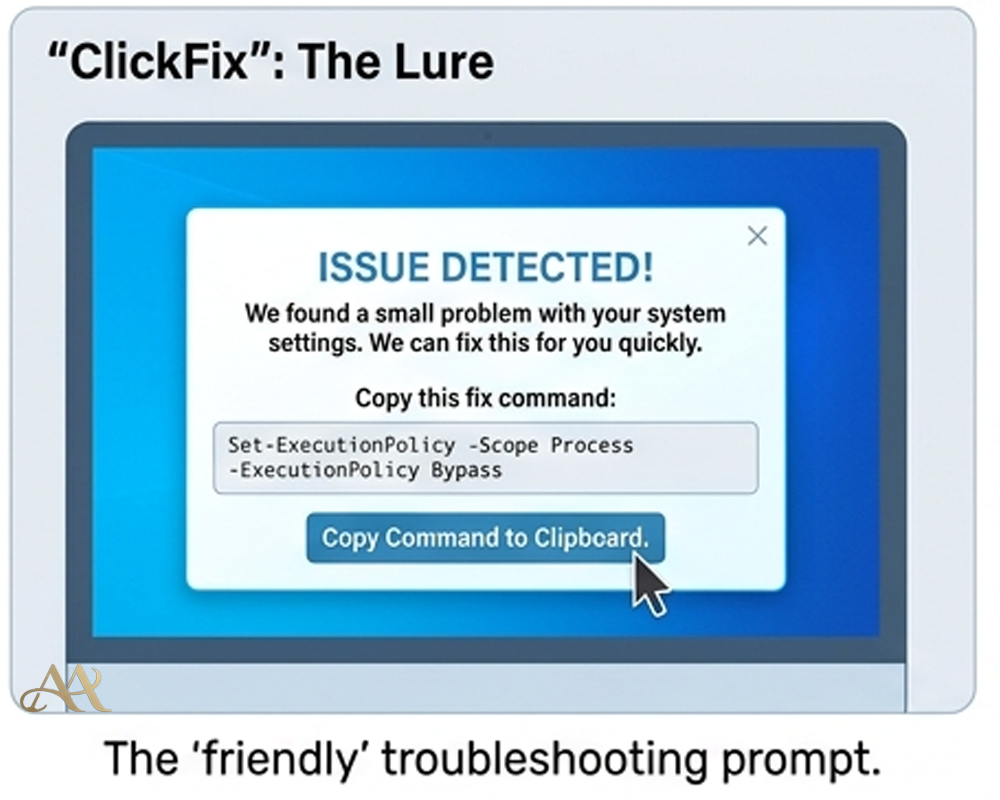
ClickFix is a social-engineering technique that tells a victim to copy a command and paste it into Windows Run, PowerShell, Windows Terminal, or sometimes Terminal on macOS under the pretense of fixing a CAPTCHA, browser issue, DNS problem, or document-viewing error. In the MITRE ATT&CK framework, this behavior is now tracked as User Execution: Malicious Copy and Paste, technique T1204.004. That is an important shift: it means this is no longer just an odd phishing trick, but a recognized attack pattern with consistent tradecraft.
The reason it works is simple. The malicious page frames execution as help. Some lures silently place a command on the clipboard, then tell the user to press Win+R or open a terminal and paste. Others append fake CAPTCHA text so the pasted string looks less suspicious in the Run box. Microsoft has also documented builder kits that let operators choose branded templates such as Google CAPTCHA or Cloudflare-style prompts, tune payload timing, and market the ability to bypass common protections.
How the Copy-Paste Scam Works
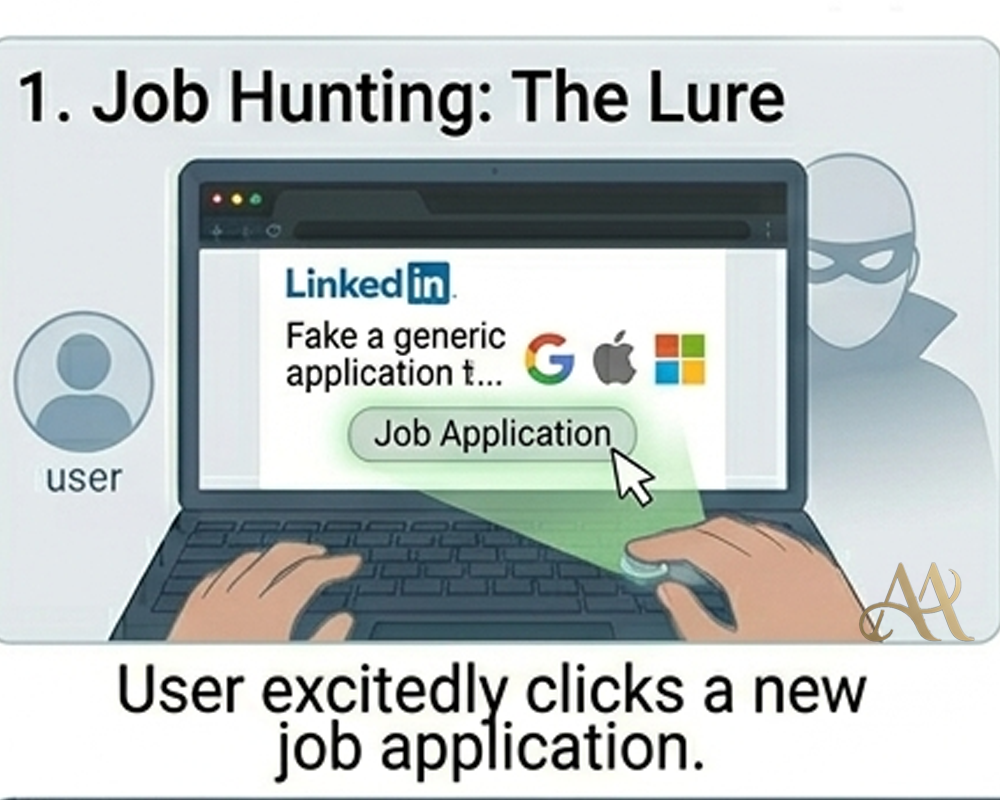
The usual attack chain is straightforward. A phishing email, malvertisement, compromised site, or HTML attachment sends the victim to a landing page. The page claims something is wrong: maybe a document extension is missing, the browser cannot display content, or a fake “verify you are human” check failed. The page then instructs the victim to run a copied command as the “fix.” Once the user pastes and executes it, the command typically launches PowerShell or cmd.exe, downloads a second stage, and hands control to a loader, infostealer, or remote access tool. Researchers have tied these chains to payloads including DarkGate, NetSupport, Lumma, AsyncRAT, and other stealers and loaders.
The newer variants are more convincing because they simulate the technical problem first. In the 2026 “CrashFix” variant, Microsoft and later Huntress described a malicious browser extension that deliberately froze or crashed the browser, then displayed a fake repair prompt telling the user to “scan” or “fix” the issue by pasting a command from the clipboard. On enterprise systems, that chain can abuse legitimate Windows tools such as finger.exe, pull obfuscated PowerShell from an attacker-controlled server, deploy a portable Python-based RAT, establish persistence through Run keys or scheduled tasks, and begin reconnaissance and command-and-control over HTTP. In ATT&CK terms, this maps cleanly to Malicious Copy and Paste (T1204.004), followed by Command and Scripting Interpreter abuse such as PowerShell (T1059.001), and then Command and Control over application-layer protocols such as HTTP/S (T1071 and T1071.001).
 Real-World Impact
For individuals, the impact is immediate because the victim helps launch the infection. Switzerland’s National Cyber Security Centre recently warned that merely opening a malicious page can place a command on the clipboard, after which normal-looking shortcuts open a command line and execute malware. For businesses, the stakes are higher because this technique has expanded beyond ordinary cybercrime distribution. Proofpoint has documented use by multiple threat clusters and observed state-aligned actors from North Korea, Iran, and Russia testing or adopting the method as well. That means the outcome may not be limited to a nuisance infection; it can become credential theft, persistent remote access, data theft, or a foothold for later intrusion activity.
The enterprise angle is especially important. Research from Trend Micro and Huntress shows some operators checking whether a machine is domain-joined before delivering the more valuable payload. In the CrashFix and related campaigns, the malware performed reconnaissance, identified security tools, and selectively pushed a Python RAT to business systems. In practical terms, that is how a seemingly small “fix this browser problem” moment can turn into hands-on-keyboard access, persistence, and lateral movement opportunities inside a corporate network.
Common Mistakes and Misconceptions
A common mistake is to think this is not really phishing because no one asked for a password. In reality, it is phishing for execution instead of credentials. Another misconception is that this is mostly a consumer problem. The current reporting does not support that; enterprise targeting, domain-aware payload selection, and state-aligned testing all point in the opposite direction. A third mistake is assuming EDR alone will catch it. Microsoft’s own data showed thousands of affected devices per month even where EDR was enabled, which is a strong reminder that user-assisted execution can outrun tooling if browser, policy, identity, and awareness controls are weak.
It is also a mistake to dismiss these events as mere user carelessness. The real issue is that a browser session suddenly crosses into a command interpreter. That boundary matters. When a user is told to leave the browser and open Run, PowerShell, or Terminal, the incident has already moved from a web problem into an execution problem, and the SOC should treat it that way.
Practical Defensive Measures
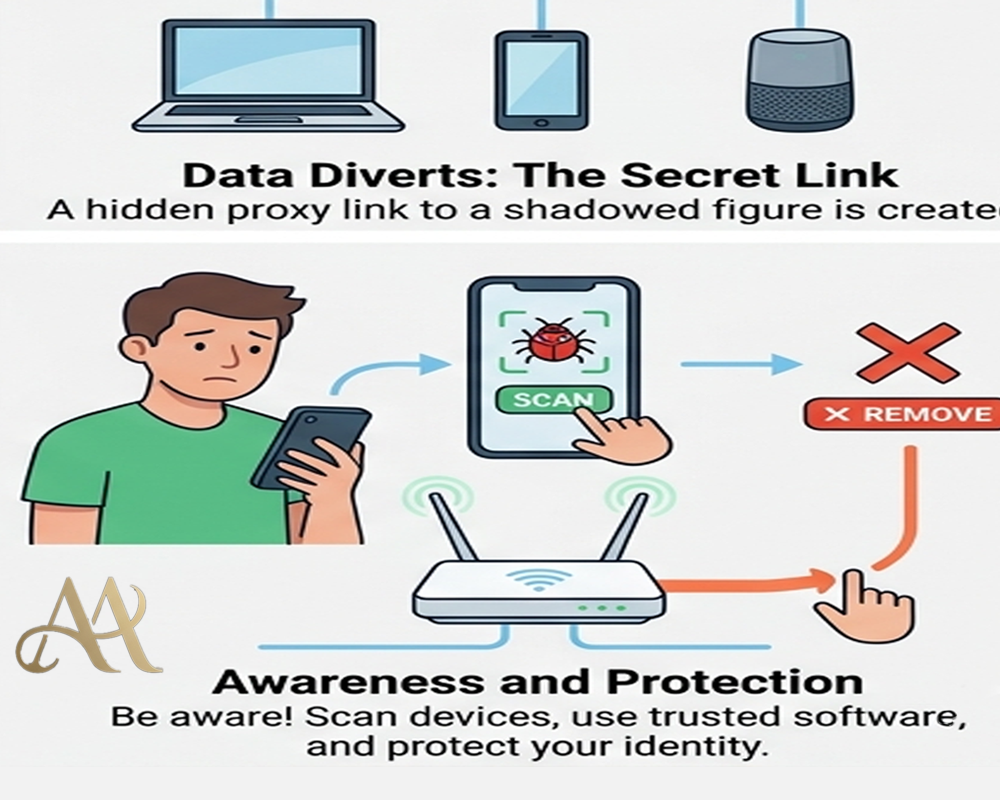
The most effective defenses are layered and specific. Users need awareness training that explicitly says no legitimate website should ask them to open Win+R, PowerShell, Windows Terminal, or Terminal to view content or complete verification. Email and web controls still matter because many campaigns begin with malicious URLs, HTML attachments, compromised websites, or malvertising. On Windows, Microsoft recommends PowerShell hardening, using execution policies such as AllSigned or RemoteSigned where appropriate, considering App Control rules to stop risky native binaries from being launched from Run, and enabling attack surface reduction rules. It also recommends keeping Windows Terminal warnings enabled for suspicious multi-line pastes.
Detection and response should focus on the transition from browser to execution. Pipe endpoint telemetry into the SIEM and have the SOC hunt for explorer.exe spawning PowerShell, cmd.exe, mshta, rundll32, curl, wget, or suspicious use of LOLBins such as finger.exe. Microsoft notes that the Windows Run dialog leaves useful forensic traces in the RunMRU registry key, making it a valuable signal for investigations and alerting. Continuous log monitoring, EDR in block mode, MFA, least privilege, web filtering, network segmentation, and anti-malware hygiene all help reduce the chance that a single paste turns into persistence, credential access, or broader compromise.
Conclusion
ClickFix matters because it exploits a part of the attack surface that many defenders underestimate: the human urge to troubleshoot. It does not need a zero-day, and it does not always need a login page. It needs a believable problem, a reassuring fix, and a user willing to help. As the technique spreads across cybercrime operations and appears in newer variants such as CrashFix, organizations should treat copy-and-paste prompts as part of initial-access defense, not as a minor awareness issue. If a website asks you to fix it from a command line, the safest assumption is that it is asking you to execute the attack yourself.
REFERENCE
- https://www.microsoft.com/en-us/security/blog/2025/08/21/think-before-you-clickfix-analyzing-the-clickfix-social-engineering-technique/
- https://www.hhs.gov/sites/default/files/clickfix-attacks-sector-alert-tlpclear.pdf
- https://it.osu.edu/security/cybersecurity-education/beware-clickfix


 Cyber Hygiene
  Attack Anatomy
Leave a Reply