

Excerpt: Attackers are manipulating Google/Bing results so that trusted-looking software downloads (e.g. VPN clients) actually install malware. Learn how fake “official” downloads are used to steal credentials and how to avoid these traps.
Many people assume searching for software is safer than clicking random links. But attackers are exploiting this trust through search engine poisoning. For example, Microsoft reports that in 2026 the threat group Storm-2561 lured users searching for corporate VPN downloads to fake sites with Trojan installers. This article explains how search results can hide malware and what you can do to stay safe.
What Is SEO Poisoning
SEO poisoning is when attackers manipulate search engine rankings to promote malicious sites. They might register lookalike domains or stuff pages with keywords so a poisoned link appears at the top. Victims see what looks like a trusted download link but it actually leads to malware. In MITRE’s framework, this is known as “SEO Poisoning” (T1608.006) of search results
 How It Works
- Poisoning Search: Attackers create or compromise websites that mimic legitimate software downloads and optimize them for search engines
- Malicious Link: A user searches for software (e.g., “VPN client download”). The poisoned site appears in results.
- Trojan Download: Clicking the link delivers a download (e.g., a ZIP or installer). Microsoft observed users redirected to a GitHub repository hosting a signed but Trojanized VPN installer
- Execution: The user runs the installer. It appears real but loads hidden malware (for example, side-loaded DLLs). In Storm-2561’s case, the fake VPN even prompted for login credentials and then exfiltrated them.
This chain is essentially a form of phishing/drive-by compromise, aiming to steal credentials or sensitive data.
 Real-World Impact
- Individuals: Someone downloading a seemingly legitimate app can instead install malware that steals personal or account data
- Businesses: Employees searching for enterprise tools (VPNs, remote work apps, etc.) can infect company devices. In early 2026, Storm-2561’s campaign mimicked Cisco, Fortinet, and Ivanti VPN clients, targeting thousands of corporate users. Stolen credentials let attackers breach networks, move laterally, and exfiltrate sensitive data.
- Networks: Infected systems become footholds for larger attacks (e.g., ransomware). Because these trojans often use valid digital signatures, they may evade simple security checks and blend in as normal software
Common Mistakes or Misconceptions
- “Top search hits are safe.” People often trust the #1 result, not realizing it could be poisoned.
- “HTTPS or a lock icon means it’s legitimate.” Malicious sites can also use secure HTTPS and even real certificates. Always verify the exact domain name.
- “My antivirus/MFA will stop this.” Clever trojans can slip past antivirus software, and stolen credentials can be used before multi-factor authentication kicks in. Don’t rely on those alone.
Practical Defensive Measures
- Verify official sources: Whenever possible, go straight to known vendor websites or official app stores instead of using search. Double-check URLs for typos.
- Use browser safety features: Enable SmartScreen (Edge) or Safe Browsing (Chrome) to block known malicious sites
- Keep protection updated: Use modern endpoint protection (cloud-based AV/EDR) to catch new malware
- Enable web and network filtering if available.
- Enable multi-factor authentication: This limits damage even if credentials are captured.
- Educate users: Train people to double-check unexpected download prompts and question anything that seems out of the ordinary.
Conclusion
Searching for software feels routine, but attackers now make it dangerous. By poisoning search results and faking trusted downloads, they turn an ordinary Google query into a malware trap. The key is to stay vigilant: always verify what you click, keep defenses layered, and remember that even familiar search steps can lead into a trap. Stay safe out there.
REFERENCE
- https://www.splunk.com/en_us/blog/security/unveiling-fake-captcha-clickfix-attacks.html
- https://media.defense.gov/2020/Jun/09/2002313081/-1/-1/0/CSI-DETECT-AND-PREVENT-WEB-SHELL-MALWARE-20200422.PDF


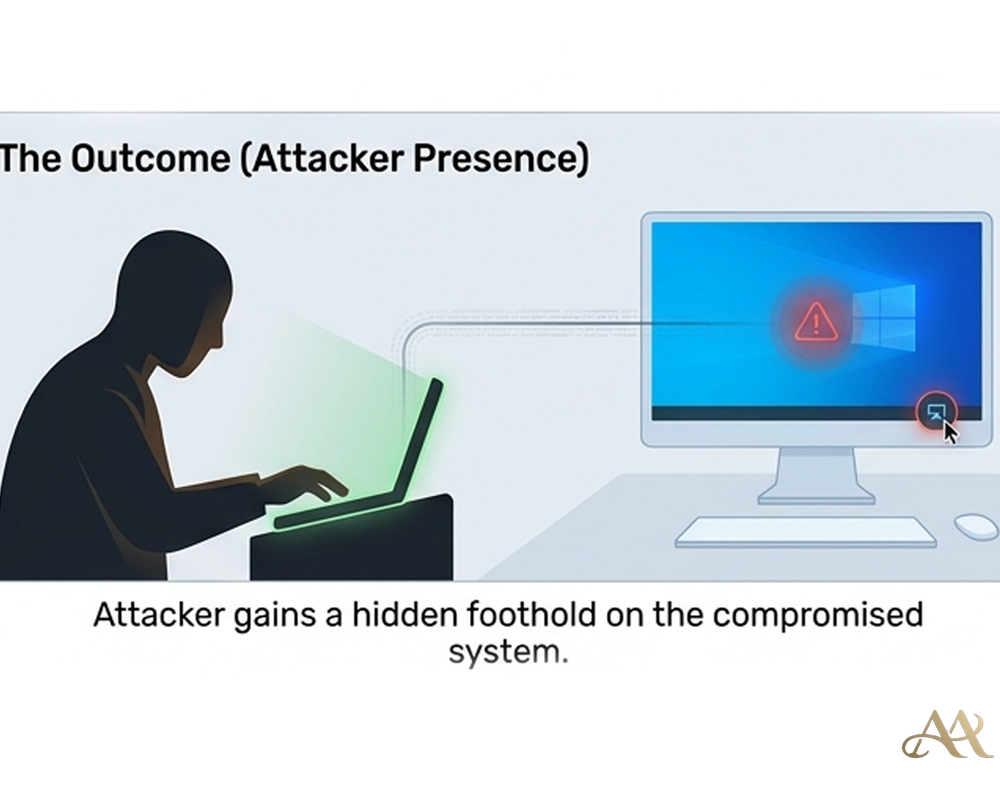
 Attack Anatomy
 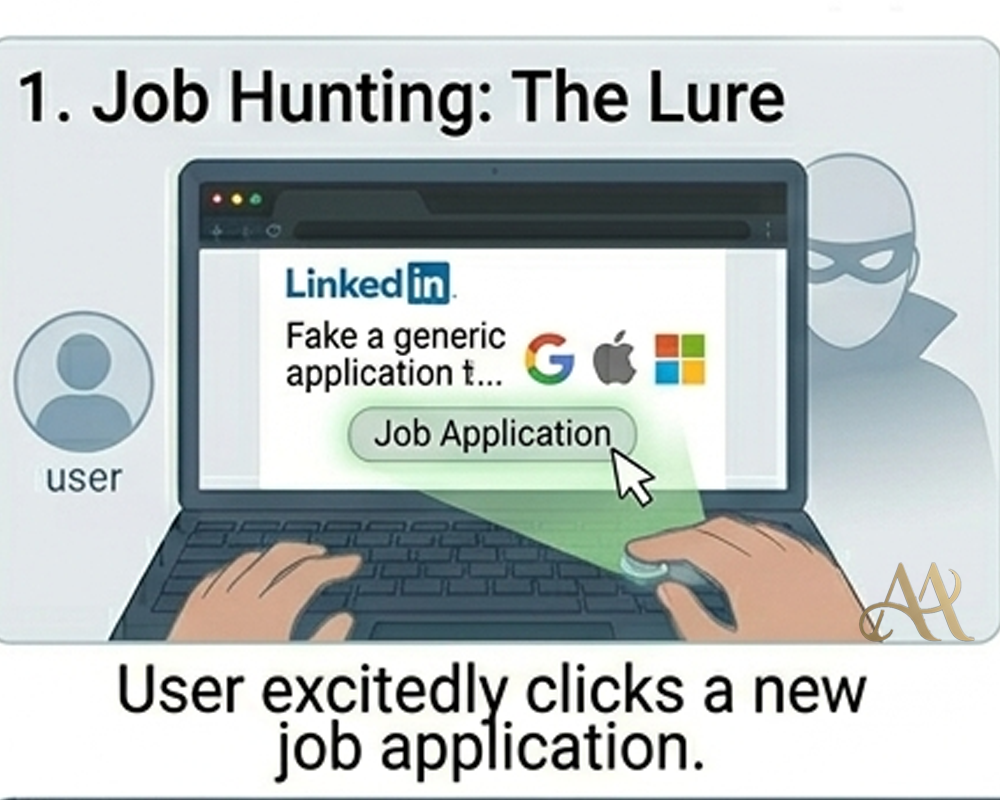 Digital Deception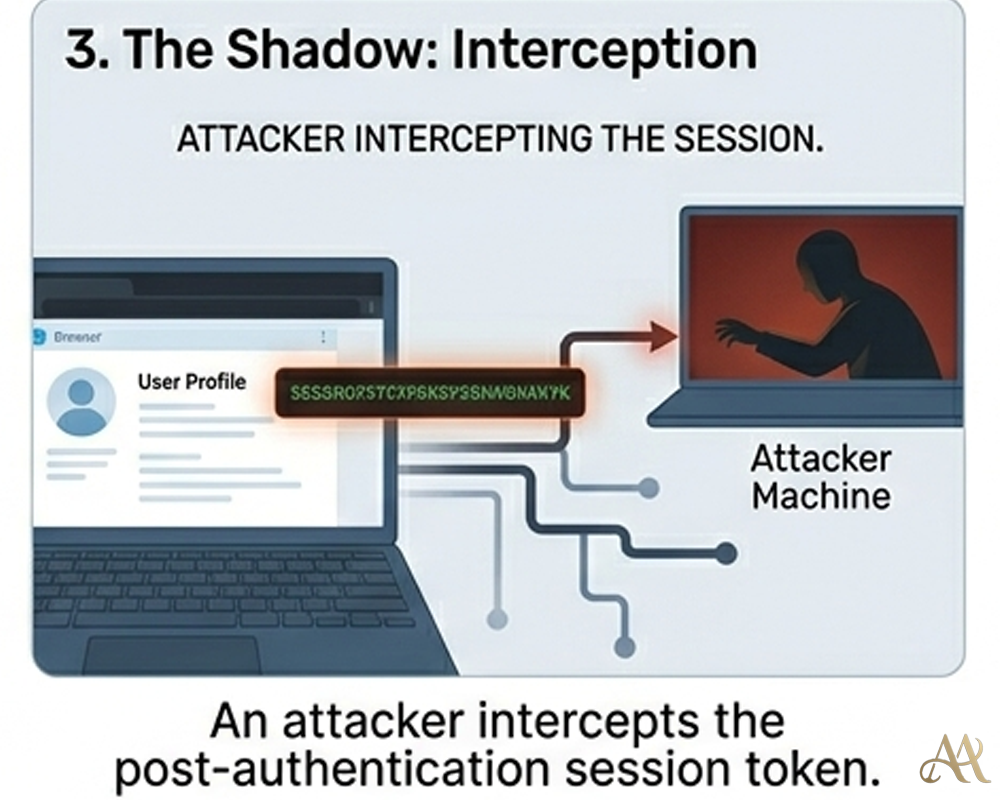
Leave a Reply