

Extensions often have deep permissions. Learn how malicious add-ons steal your chat logs and browsing history, and how to protect yourself.
Browser extensions are small apps for your browser that do tasks like blocking ads or checking grammar. But many people don’t realize how much data these little programs can see. Recent reports show malicious AI-themed extensions with roughly 900,000 installs infiltrated over 20,000 corporate networks to harvest chat logs and browsing data. We explain what extensions are, how they can be abused to steal information, and why their permissions matter.
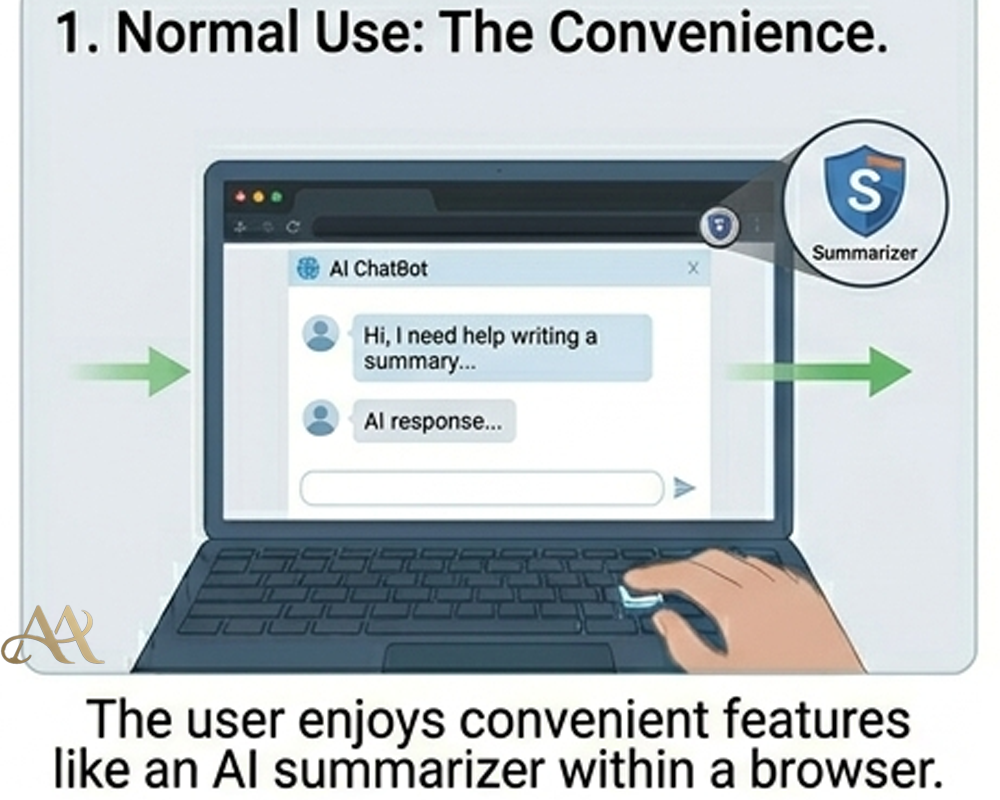 What It Is
A browser extension is a small add-on that enhances your web browser. Extensions operate with the permissions you grant. Chrome even labels the permission “read and change all your data on the websites you visit” as High Risk. An extension with that access can see nearly everything in your browser. Most extensions are safe, but attackers can exploit them. Malicious extensions are already a leading vector for credential theft and data exfiltration.
How It Works
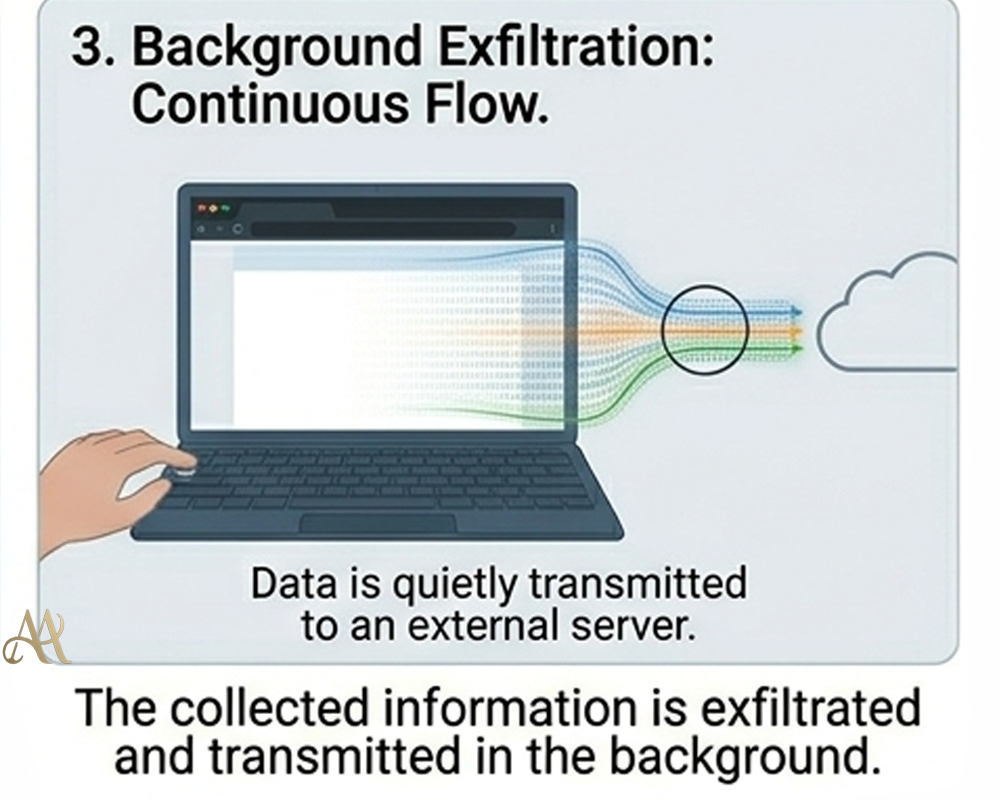
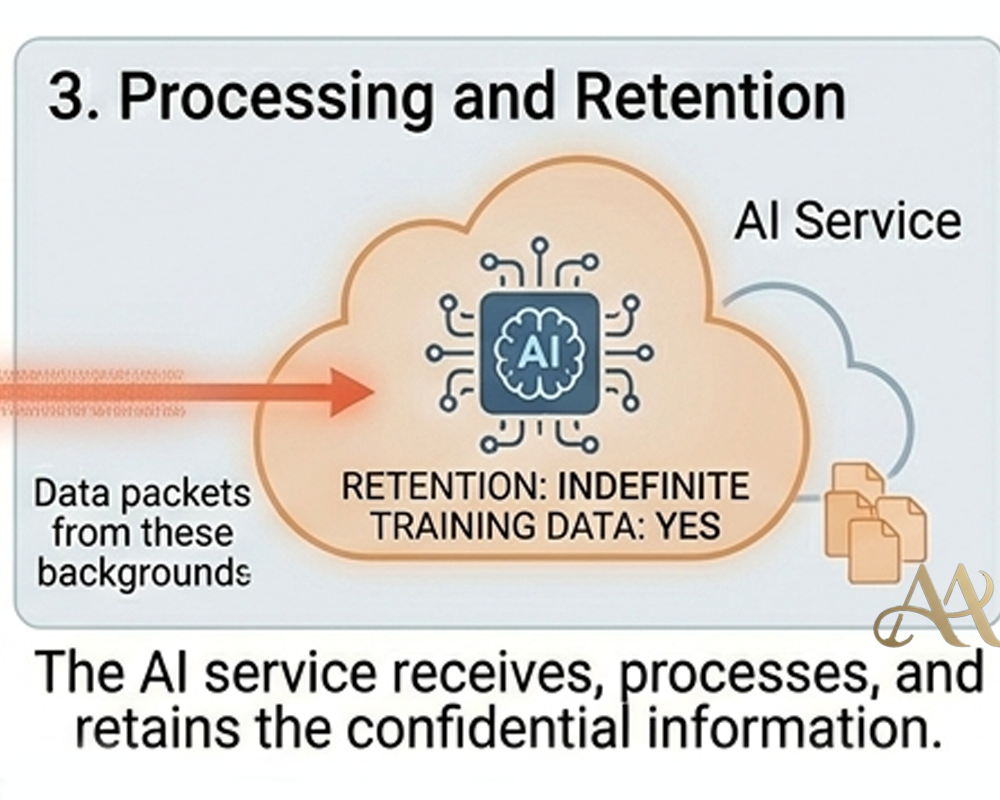
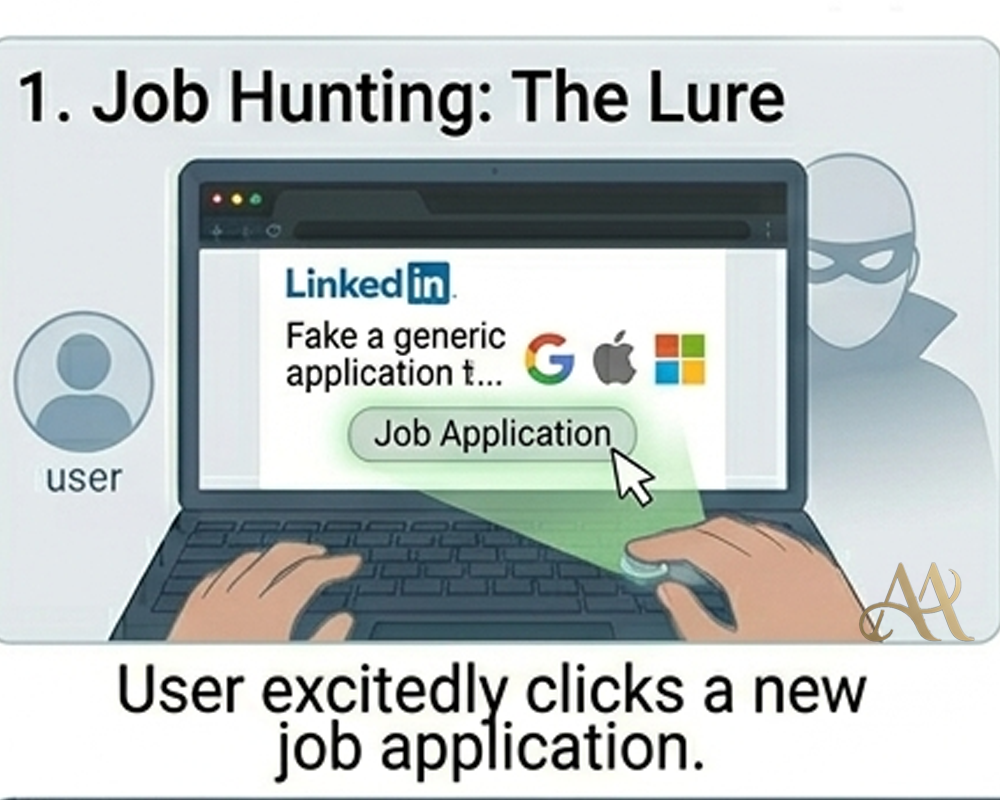
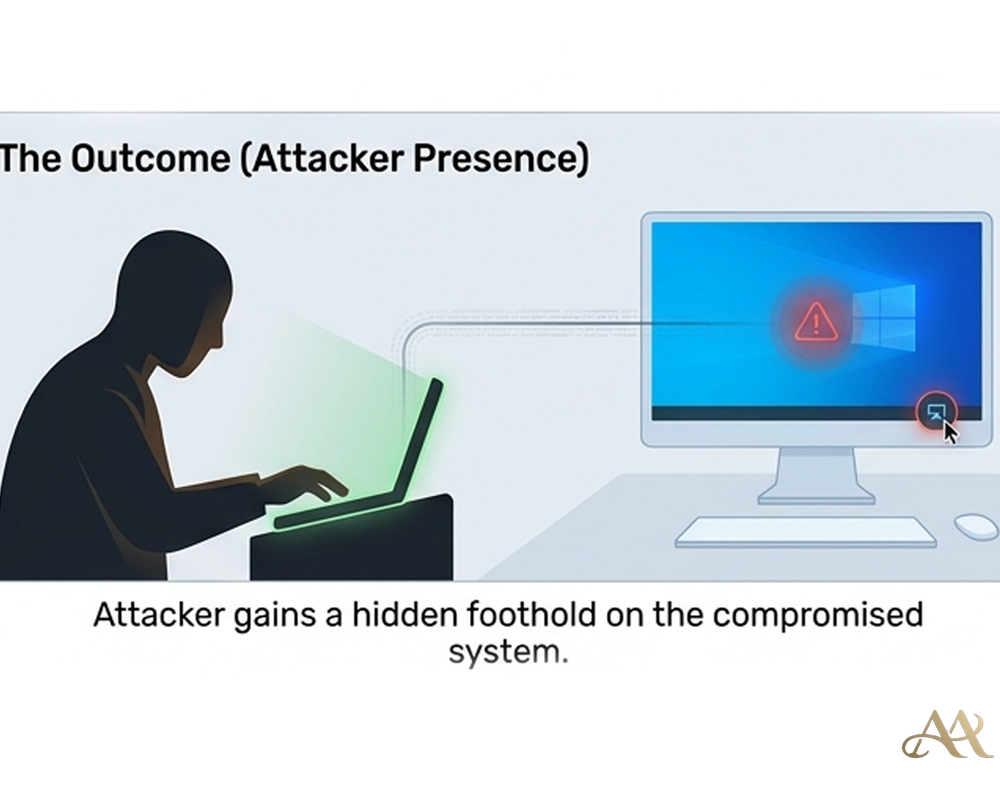
Attackers exploit this by tricking users into installing rogue extensions. For example, hackers cloned a popular “AI assistant” tool and published it on the Chrome store – getting a “Featured” badge for trust. Once installed, the extension ran quietly with broad permissions. Researchers found it monitored all open tabs and, whenever ChatGPT (or a similar tool) was loaded, scraped the conversation text from the page. About every 30 minutes, the collected data (chat logs and open-tab URLs) was sent to the attacker’s servers
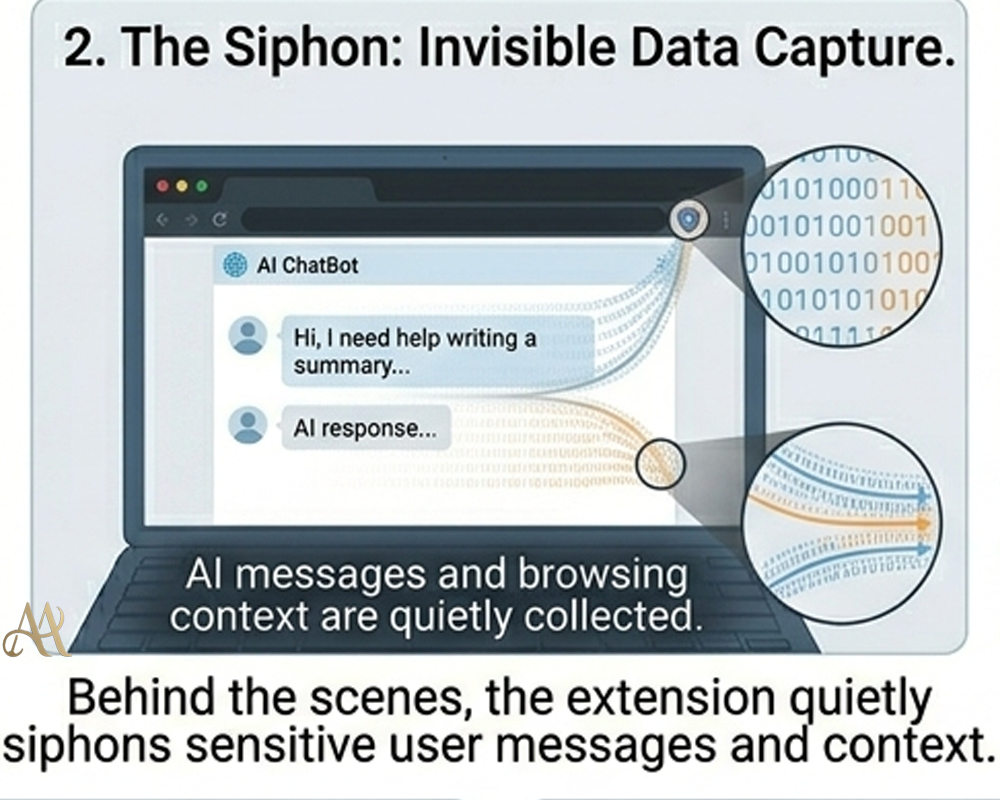 Real-World Impact
A malicious extension can quietly harvest saved passwords, chat logs, and other sensitive information from any website you visit. For organizations, the risk is even greater: stolen chat histories and browsing data might include proprietary code, product plans, or customer information. OX Security warns these leaks can fuel corporate espionage, identity theft, and targeted phishing campaigns, potentially exposing intellectual property and confidential corporate data. In short, a compromised extension acts like an invisible insider quietly leaking data.
Common Mistakes or Misconceptions
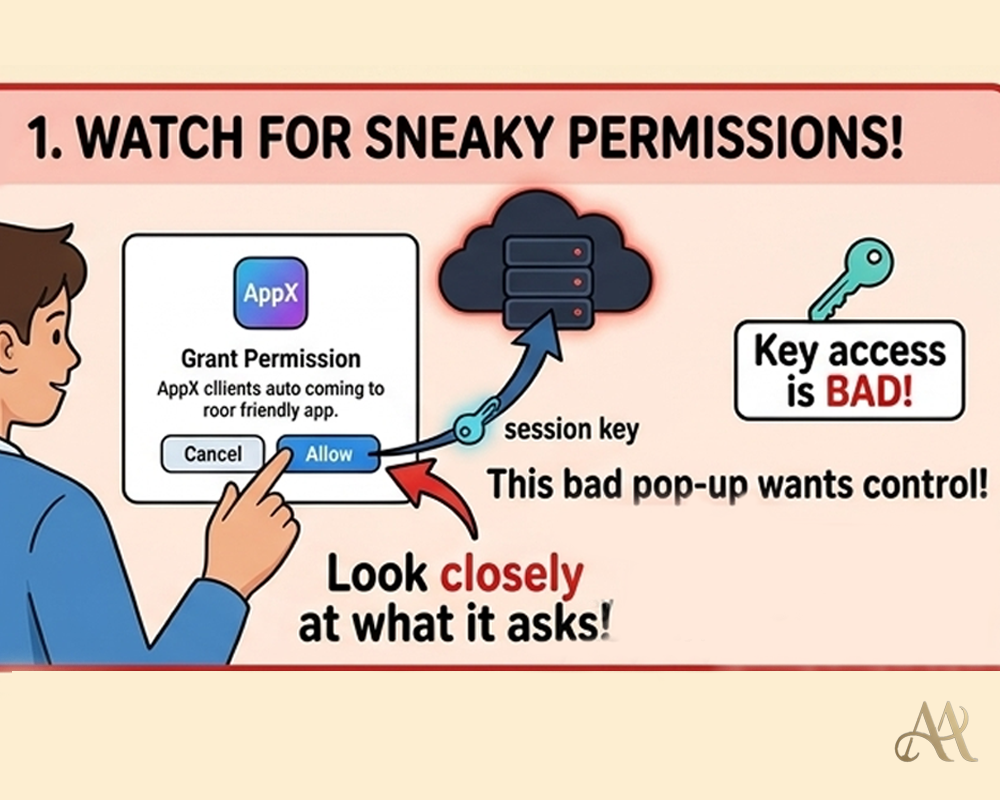
People often make wrong assumptions. Many think “if it’s in the store, it must be safe,” but attackers have slipped malicious extensions into the official Chrome Web Store – one even had a “Featured” badge.. Another mistake is trusting vague permission prompts. Attackers may label data collection as “anonymous analytics,” while the extension actually logs every chat and browsing action. Users also sometimes ignore overly broad permissions: some extensions request to “read all your data” even when it’s not needed.
 Practical Defensive Measures
Protecting against rogue extensions requires both user caution and technical controls. First, audit all installed extensions and remove any you don’t recognize. Only install add-ons from official browser stores, and review the permissions they request. If an extension asks for more access than it needs, don’t install it. Organizations should whitelist approved extensions and block or remove any unverified ones. If a compromise is discovered, disable the malicious extension and rotate any exposed credentials (passwords, tokens, etc.).
Conclusion
Browser extensions greatly enhance productivity, but they can also open a backdoor to your data. Recent incidents show how easily attackers can use a rogue extension to harvest private browsing and AI chat logs. The key lesson is to treat extension permissions as seriously as your login credentials. In practice, this means limiting unnecessary add-ons, scrutinizing each permission, and enforcing strict browser controls. Stay vigilant: the next useful-looking extension might be hiding malicious behavior.
REFERENCE
- https://www.federalregister.gov/documents/2025/01/08/2024-31486/preventing-access-to-us-sensitive-personal-data-and-government-related-data-by-countries-of-concern
- Xie, et al. “Arcanum: Detecting and Evaluating the Privacy Risks of Browser Extensions on Web Pages and Web Content,” 33rd USENIX Security Symposium, August 14–16, 2024.
- Kariryaa, Ankit & Schöning, Johannes & Savino, Gian-Luca & Stellmacher, Carolin. (2021). Understanding Users’ Knowledge about the Privacy and Security of Browser Extensions.
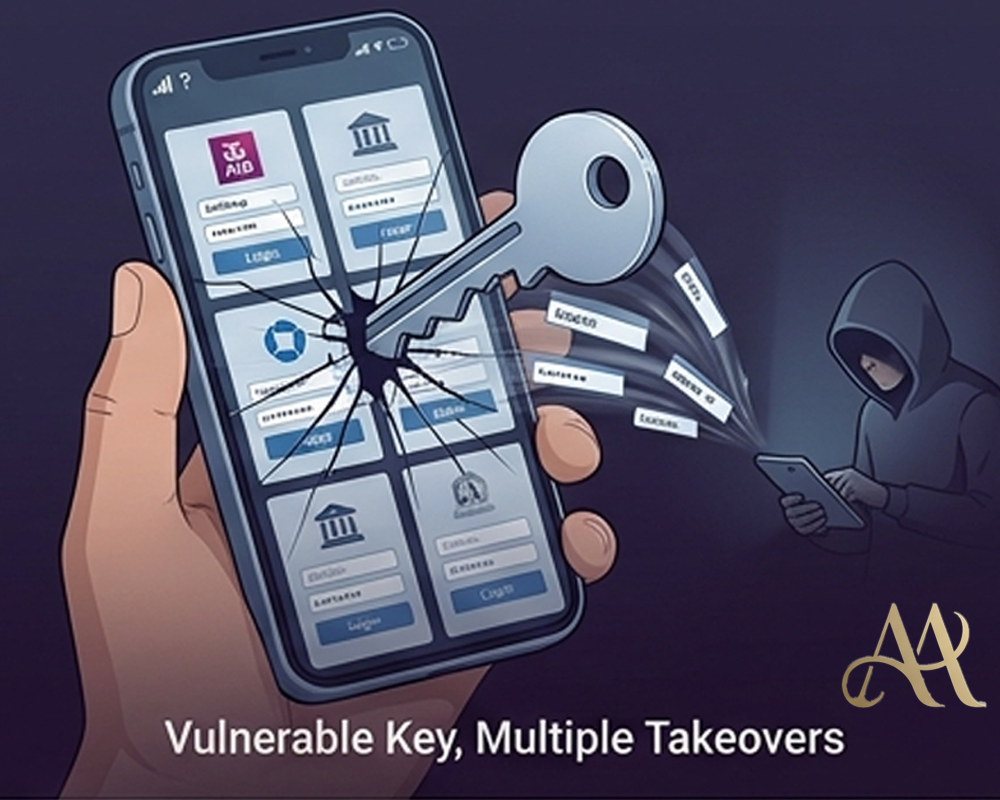



 Attack Anatomy
  Digital Deception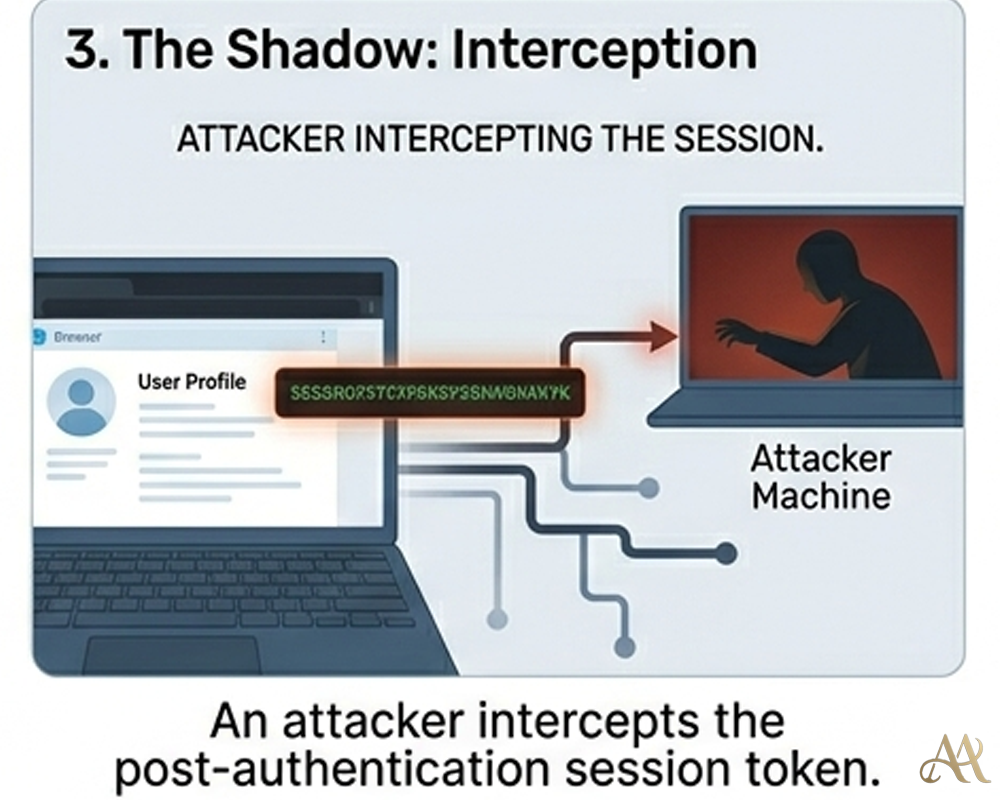
Leave a Reply