

QR codes feel safe-but they’ve become a growing cybersecurity blind spot. Here’s how QR phishing works and how to protect yourself before you scan.
QR codes are now part of everyday life. You scan one to view a restaurant menu, make a payment, download an app, or log in to a service. It feels quick, simple, and safe. But that convenience has introduced a quiet problem. QR codes have become a new entry point for cyber-attacks and most people don’t realize it. Unlike links in emails or websites, QR codes hide their destination. You only see where they lead after you scan them. That small gap is exactly what attackers are exploiting.
In this article, you will understand how QR code scams work, why they are effective, and what practical steps you can take to protect yourself and your organization.
What Are QR Code Attacks (Quishing)?
A QR code is simply a visual way of storing data, most often a URL. When scanned, it directs your device to a website or triggers an action. From a cybersecurity perspective, a QR code is no different from a link. The key difference is visibility. With a normal link, you can inspect it. With a QR code, you cannot. This has led to a growing attack method known as QR phishing, or quishing.
In a quishing attack, a malicious QR code is used to:
- Redirect users to fake login pages
- Trick users into entering sensitive information
- Deliver malware through downloads
- Initiate fraudulent payments
Because the code looks harmless and often appears in trusted environments, people rarely question it.
How QR Code Scams Work
Most QR-based attacks follow a simple pattern, but they are highly effective because they bypass normal caution.
First, the attacker places the QR code where users expect something legitimate. This could be:
- A sticker placed over a real QR code on a parking meter
- A QR code embedded in an email instead of a clickable link
- A document, invoice, or poster containing a scan prompt
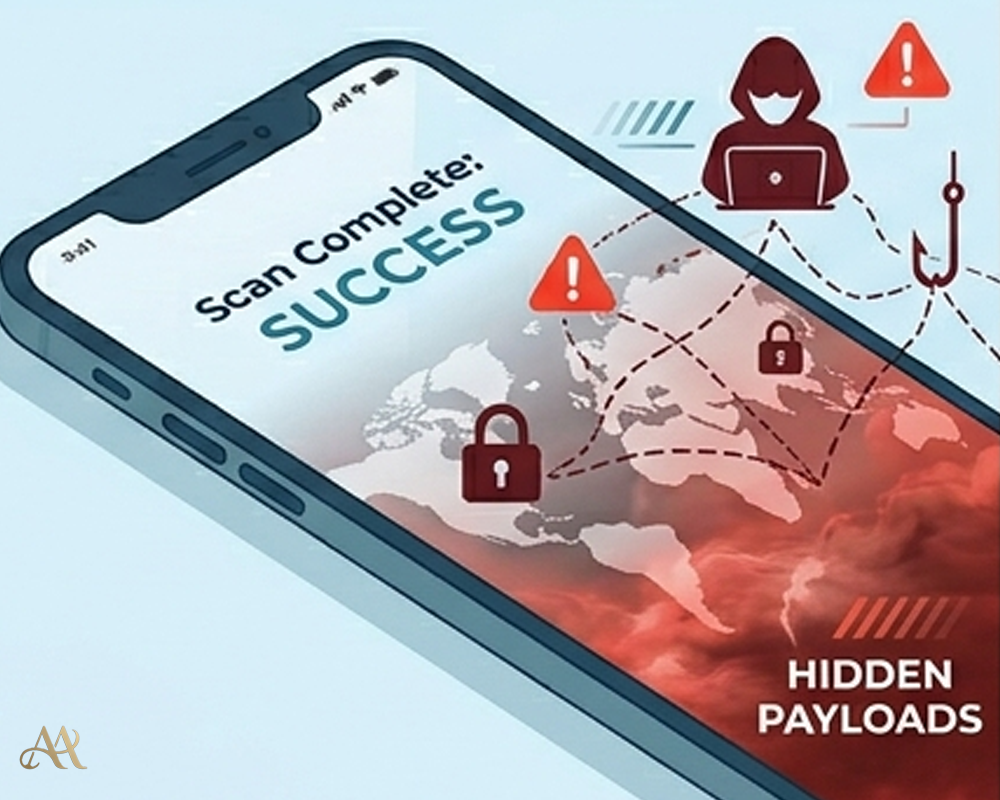 Next, the user scans the code using their phone. At this point, security controls such as email filtering or endpoint protection may not apply, because the action happens outside traditional inspection layers.
The QR code then directs the user to a malicious site. In many cases, this is a fake login page designed to look identical to services like Microsoft 365 or banking platforms.
If the user enters their credentials, the attacker captures them immediately.
From there, the attack can escalate:
- Unauthorized account access using valid credentials
- Privilege escalation if controls are weak
- Lateral movement within an organization
- Use of compromised accounts for further phishing
In terms of real attack behavior, this aligns with patterns seen in frameworks like MITRE ATT&CK:
- Phishing for initial access
- Credential harvesting
- Use of valid accounts for persistence and movement
The technique is not new, the delivery method is.
Why QR Code Threats Are Growing
QR code attacks are increasing for a few practical reasons.
- Bypassing traditional defenses: Many email security tools are designed to scan visible text links, not links hidden inside images. When a QR code is embedded in an email, PDF, or poster, basic filters may not extract and analyze the destination URL before the user scans it.
- Moving the attack to mobile devices: QR codes are usually scanned with phones, including personal devices that may not be monitored by corporate security tools. This creates a visibility gap because the SOC may not see the full browsing activity, device posture, or malicious redirect path.
- Exploiting user trust: People have become comfortable scanning QR codes in restaurants, offices, parking areas, events, and public spaces. Attackers take advantage of that habit by placing malicious QR codes where users expect legitimate ones.
- Requiring little effort from attackers: Creating a QR code is simple and cheap. An attacker only needs to generate a malicious link, convert it into a QR code, and place it in the right context to make the scam look believable.
Finally, they require very little effort from attackers. Generating a QR code is trivial, and placing it in the right context is often enough to succeed.
Real-World Impact
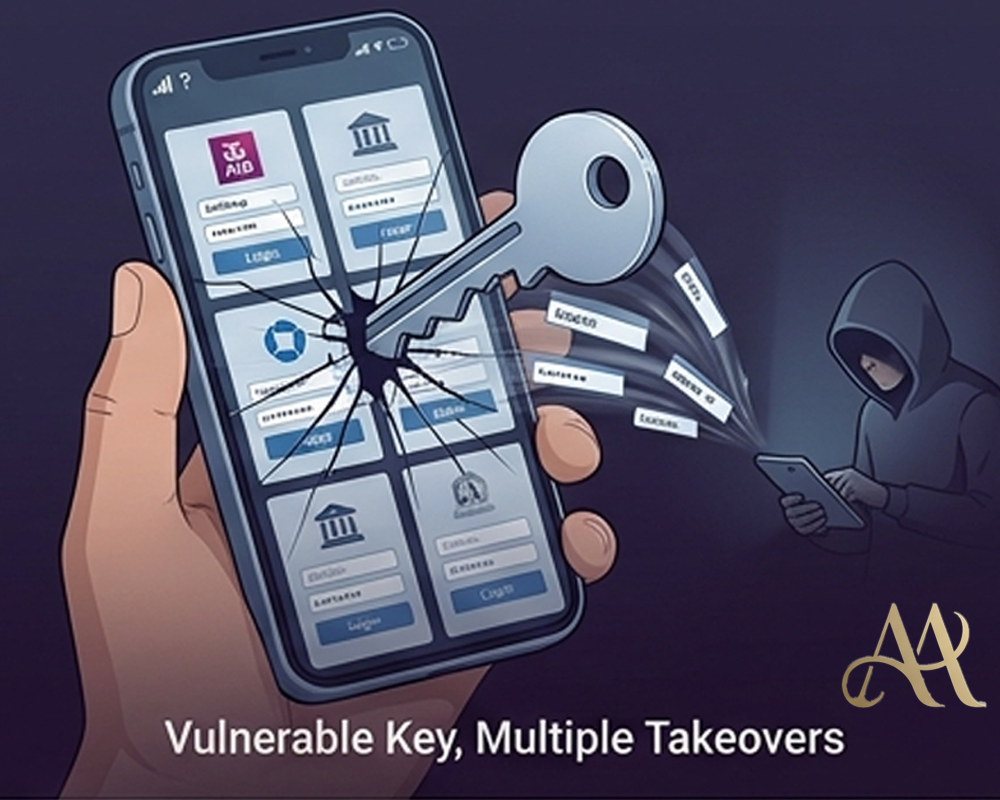
- For individuals, the risk is immediate and personal. A simple scan can lead to stolen passwords, financial fraud, or malicious app downloads. For example, fake QR codes placed on parking machines have been used to redirect users to fraudulent payment pages.
- For businesses, the impact is more serious. An employee scanning a QR code in an email can unknowingly expose corporate credentials. If multi-factor authentication is weak or absent, attackers can gain access to cloud platforms, internal systems, or sensitive data.
- For security teams, QR codes introduce a blind spot. Activity originating from mobile devices or external browsers may not be fully captured in logs or monitored in the SIEM. This delays detection and response.
Common Mistakes and Misconceptions
- Assuming QR codes are automatically safe: A QR code is not safer than a normal link. It is simply another way to deliver a URL, but with less visibility because the destination is hidden until the user scans it.
- Relying only on email security tools: Some email security tools inspect visible links but may miss URLs embedded inside QR code images. If the system does not analyze images or extract QR destinations, malicious QR codes can pass through unnoticed.
- Underestimating mobile risk: Many QR codes are scanned with personal or lightly managed phones. When those devices are used to access corporate email, cloud apps, or internal systems, they become part of the security boundary.
- Leaving QR threats out of awareness training: Many users are taught to avoid suspicious links, but not suspicious scans. Security training should explain that QR codes can lead to phishing pages, fake payment portals, malware downloads, or credential-harvesting sites.
How to Protect Against QR Code Attacks
The most effective defense starts with mindset. Treat every QR code as untrusted until verified.
For individuals:
- Avoid scanning QR codes from unknown or tampered sources
- Preview the URL before interacting, if your device allows it
- Be cautious when prompted to enter credentials after scanning
For organizations:
- Enforce multi-factor authentication (MFA) across all critical systems
- Apply conditional access policies to detect unusual login behavior
- Integrate authentication and access logs into your monitoring systems
- Update user awareness training to include QR code risks
From a technical standpoint:
- Use security tools capable of analyzing images for embedded URLs
- Monitor for abnormal login patterns such as impossible travel or unusual devices
- Apply least privilege access to limit the impact of compromised accounts
These controls do not eliminate the risk, but they significantly reduce the chances of a successful attack.
Conclusion
QR codes did not introduce a new type of cyber threat. They introduced a new way to deliver existing attacks, quietly, quickly, and with very little scrutiny. The real risk is not the technology itself, but how easily it earns trust and how often it bypasses both user caution and traditional security controls. As attackers continue to evolve, they will keep exploiting channels that defenders overlook. Right now, QR codes are one of those channels. The next time you scan a QR code, pause. In cybersecurity, a few seconds of verification can prevent a much larger compromise.
REFERENCE
- bhishek Kumar Mishra, Guillaume Gagnon, Mathieu Cunche, Sebastien Gambs. QRisk: Think Before You
Scan QR codes. 2025. ⟨hal-04987069v1⟩ - https://carleton.ca/its/2023/think-before-you-scan-protect-yourself-from-malicious-qr-codes/
- Crosby, N., Giblett, R., & Crosby, L. (2023). QR Codes in Modern Cyber Security.


 Cyber Hygiene
  Digital Deception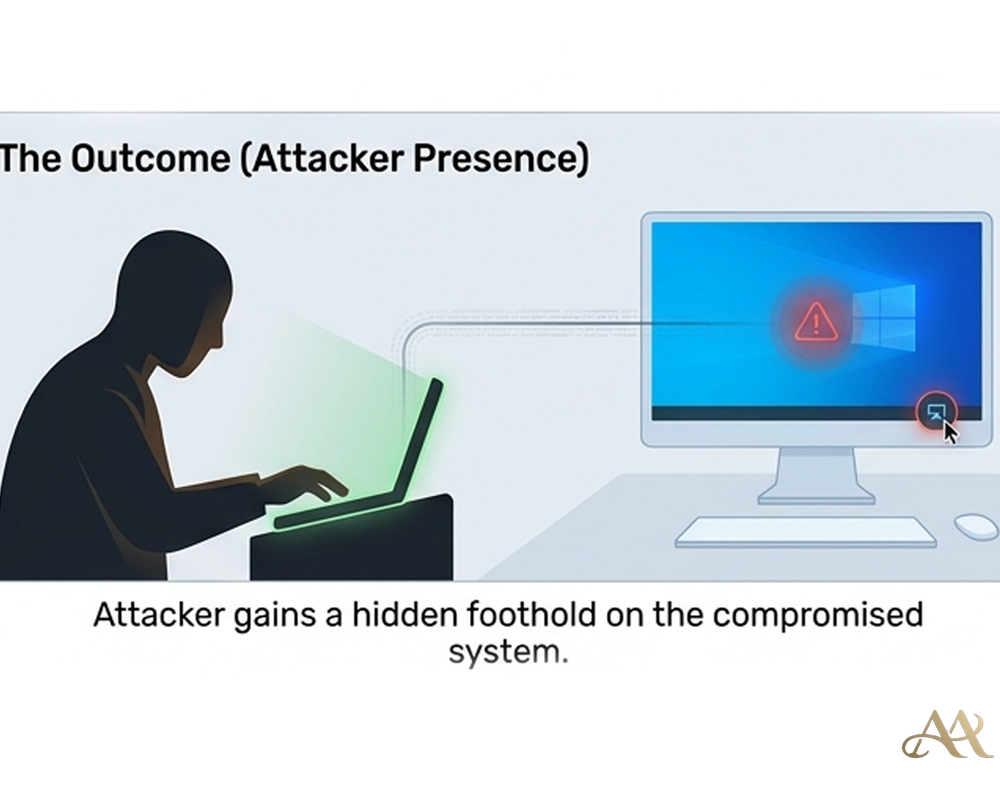
Leave a Reply